Read the essentials
A concise brief and key points, alongside the word-for-word transcript for reference.
 VoiceBrief
VOICEBRIEF · FOR IPHONE & IPAD
A long voice note. A clear next step. Turn the audio you share into a readable summary, a transcript, and the details worth keeping.
Download on the App StoreFree to download · Optional Pro subscription
iOS 14 or later · Internet and an Apple or Google account required
FROM A VOICE NOTE TO A PLAN
Understand the point, find the next action, and check the details without replaying the whole recording.
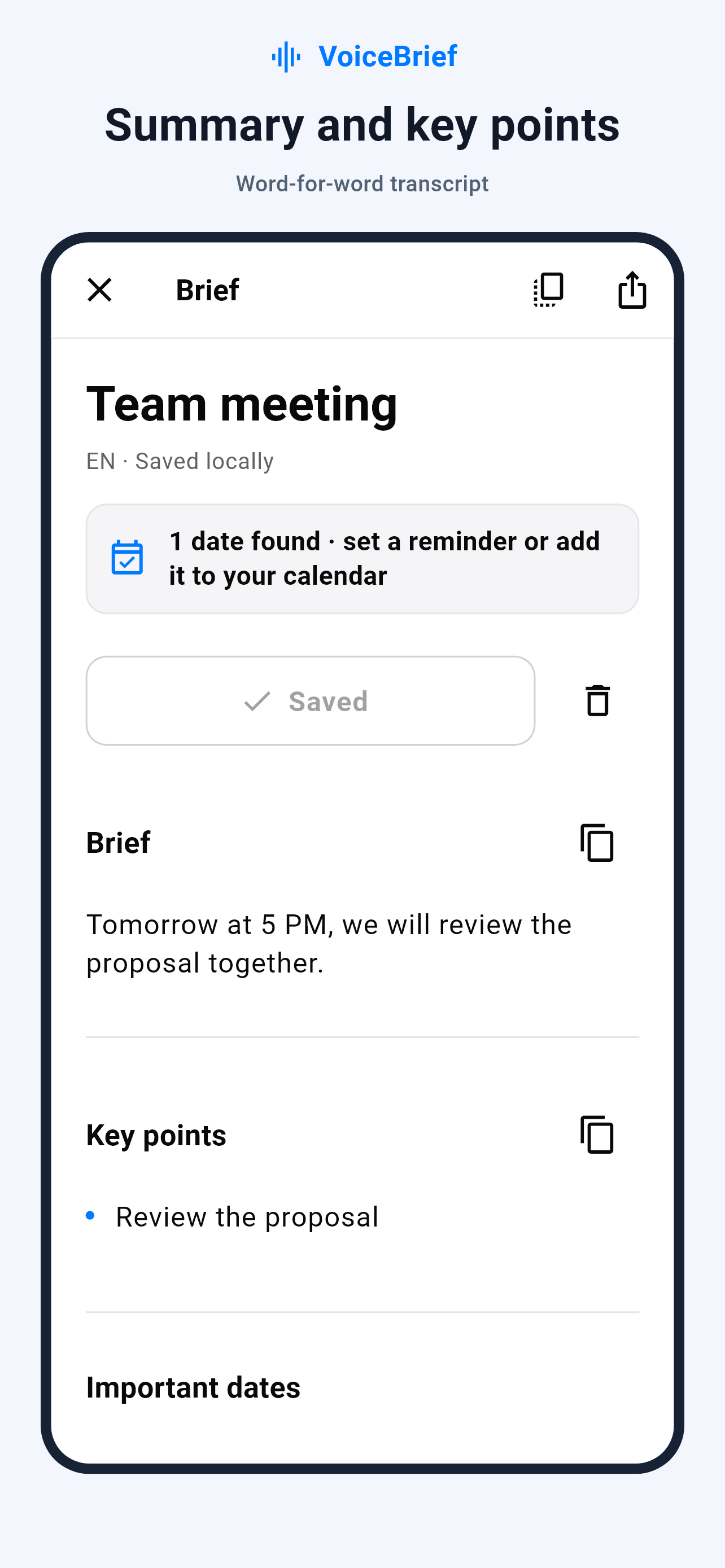
A concise brief and key points, alongside the word-for-word transcript for reference.
Review suggested tasks and important dates. Confirm the details before adding an event to your calendar.
Use a suggested reply as a starting point. Edit it, copy it, and send it yourself.
Choose which results to keep in your on-device text history. Share-extension results are saved locally for their ready notification.
Share a voice note from WhatsApp or another app that offers audio sharing, choose an audio file, or record in VoiceBrief.
In the app, preview the audio and select a section before processing. An internet connection is required.
Review the result, edit a reply, or confirm a date. AI can make mistakes, especially with names and ambiguous times.
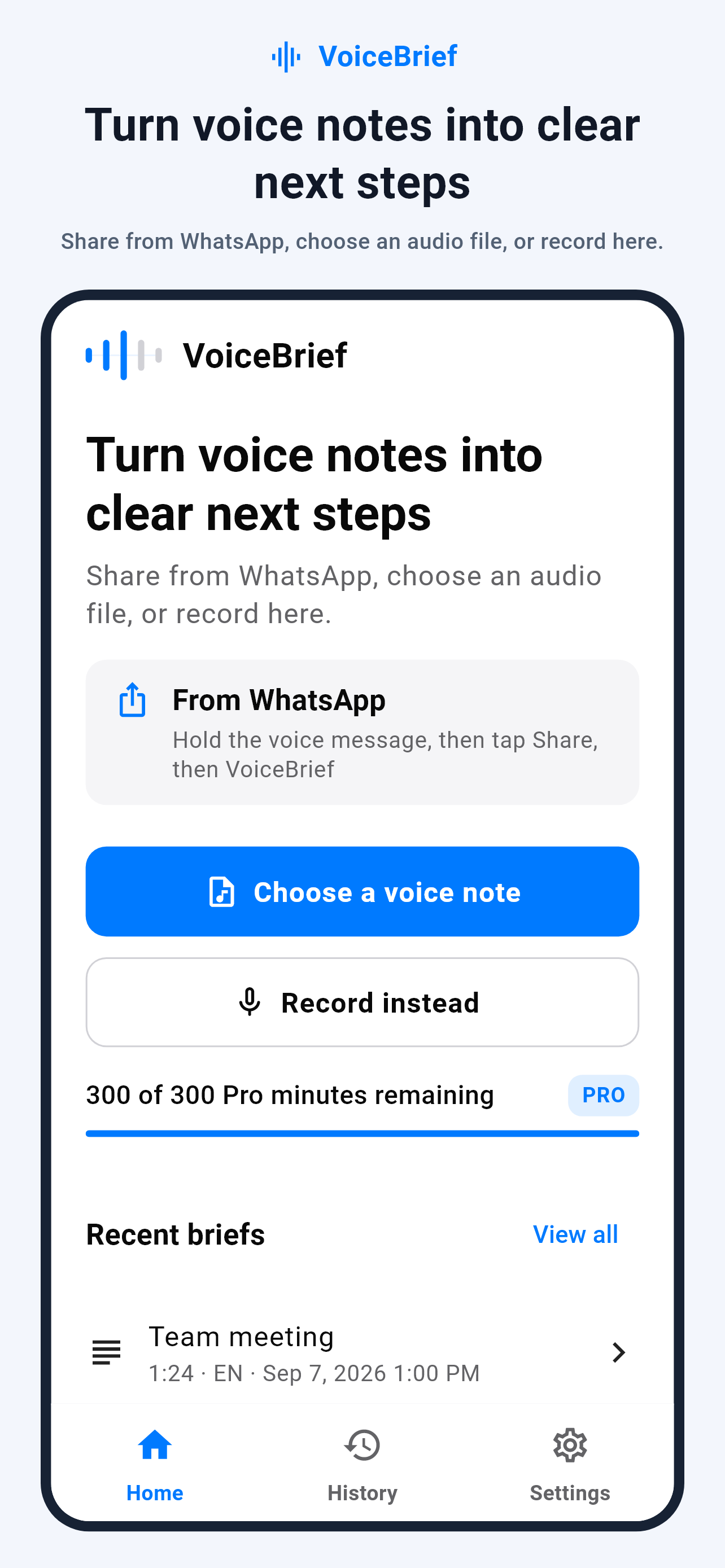
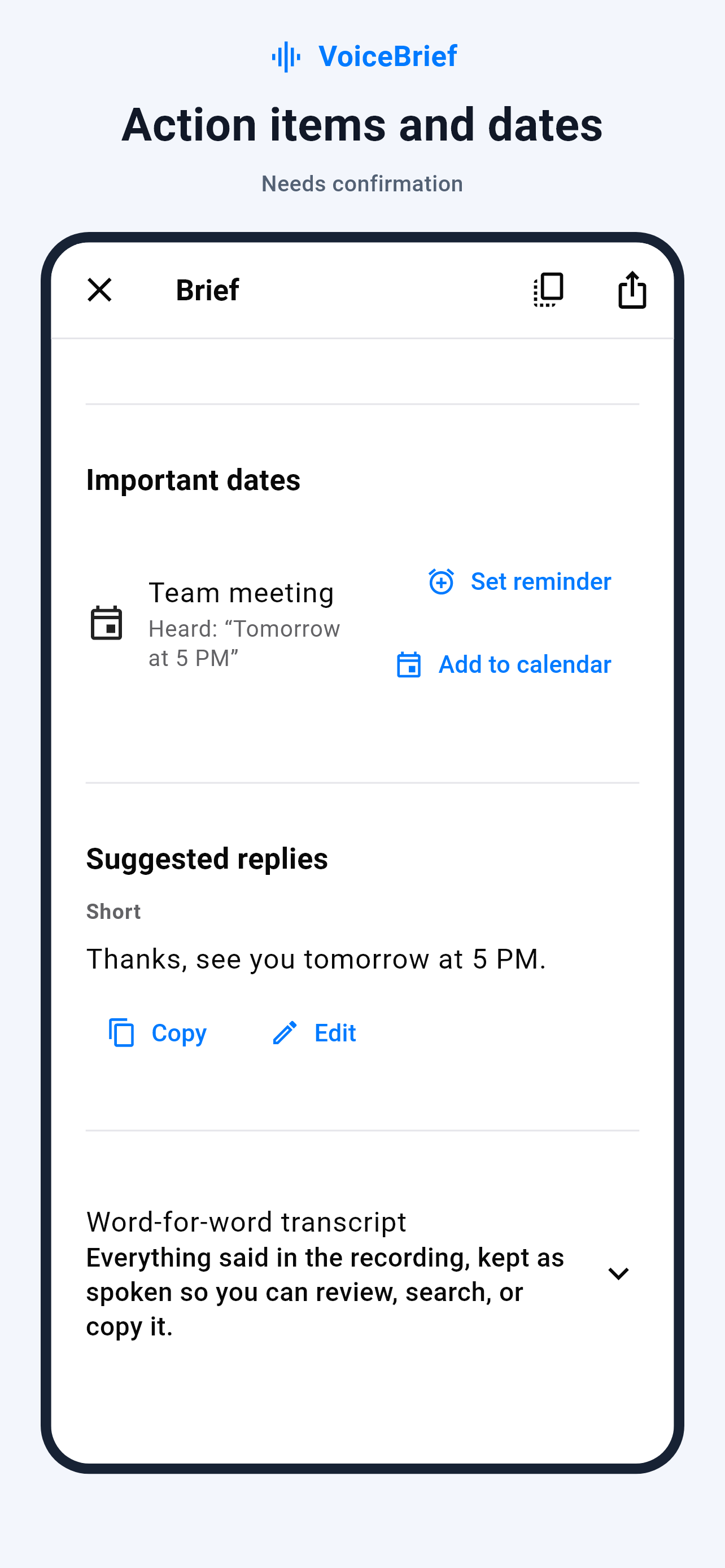
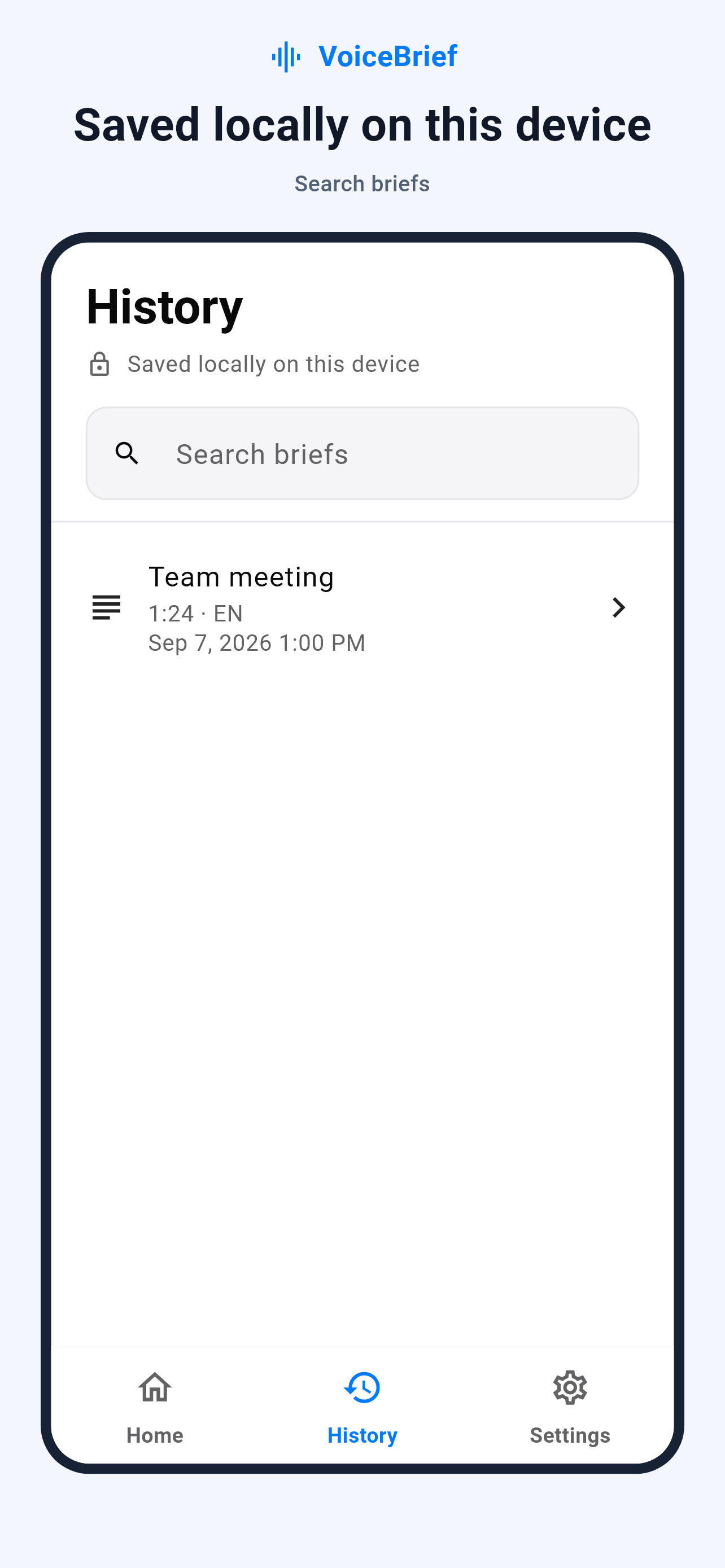
Real app screens with illustrative sample content.
Choose from 11 interface languages in Settings. Your choice stays saved after restarting. Interface language is separate from the language spoken in a recording.
Arabic · English · Bengali · French · Hindi · Indonesian · Portuguese · Russian · Simplified Chinese · Spanish · Urdu
You choose what to upload. Processing uses cloud services, not an offline-only model. Audio is handled as temporary data; generated results may remain on the server for up to 24 hours for safe retries. The privacy policy explains deletion, interruptions, and provider retention.
Read the privacy policyIt is free to download with limited free usage and optional Pro subscriptions. Some result sections and reply styles require Pro. Current prices and limits are shown in the app and your App Store region.
Yes. Select a voice message in WhatsApp and use its sharing options to choose VoiceBrief. The exact steps depend on the source app. VoiceBrief processes only audio you choose to share; it does not read your chats.
No. Sign in with Apple or Google and connect to the internet for audio processing. Saved text history is stored on your device.
No AI system can guarantee that. Review dates and times before relying on them. Ambiguous times may need confirmation, and calendar events open for your review before saving.
No. On iOS 26.1 or later, supported alarms belong to VoiceBrief and can be managed in the app, not the Clock alarm list. Older iOS versions use notification reminders. Permissions are required.
VoiceBrief: Audio Summaries is published by mohammad alzouabi. Its Apple App Store ID is 6805194629. Use the store link on this page to distinguish it from similarly named products.
A practical guide to sharing a WhatsApp voice message with VoiceBrief, reviewing its transcript and summary, and checking extracted dates.
A practical guide to reviewing Arabic voice messages on iPhone: transcripts, summaries, dialects, names, and privacy before sharing audio.
How to review dates and ambiguous times in voice messages before adding a calendar event, and how VoiceBrief alarms differ from calendar reminders.
Download VoiceBrief for iPhone and iPad.
Download on the App Store